
Updated
Pop out windows to a second monitor
Build a real OS window from any set of panels and drag it across monitors.
Pop-outs are real browser windows, not iframes: same session, same WebSocket, same styling. Drag one to a second monitor and it keeps ticking.
Create a pop-out
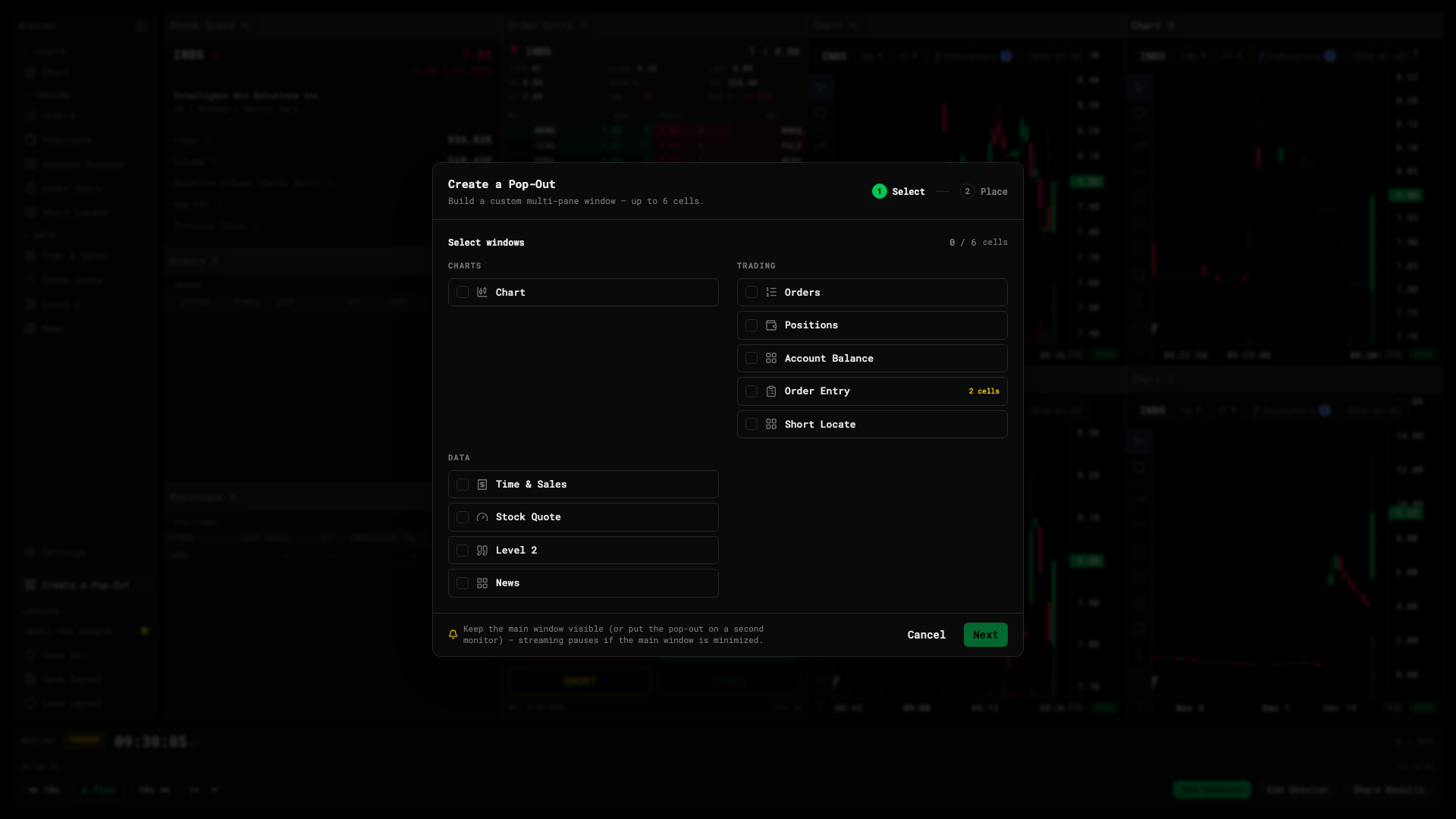
- Click Create a Pop-Out in the Window Catalog rail.
- Tick the windows you want in it.
- Choose a 1- or 2-column grid (up to 2 × 3 cells) and drag the tiles into place.
- Name it and confirm. The window opens immediately.
Inside the pop-out
- Drag the dividers to resize cells.
- Close the window to bring its panels back into the main desk.