
Updated
Create your account and sign in
Sign up with an email, confirm it, set a password, and land on the desk.
Sign up
- Go to app.dasreplay.com/signup and enter your email.
- Open the confirmation email and click the link. It brings you back to the app.
- Choose a password. You’re signed in and on the desk.
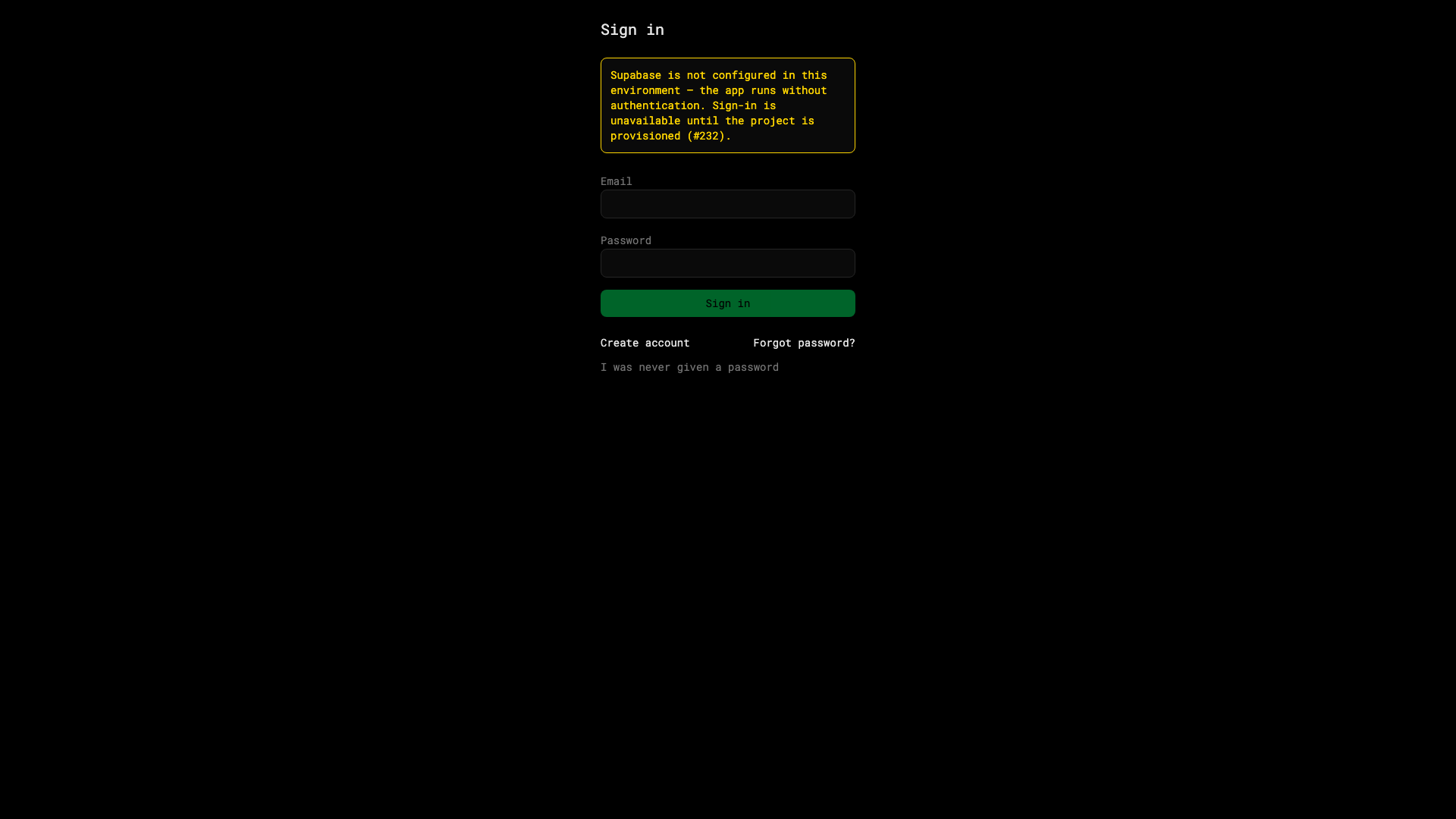
Sign in later
Use app.dasreplay.com/sign-in. Forgot your password? Use Reset password on that page — the reset link arrives by email.
Where things live
| Area | URL |
|---|---|
| Stocks desk | /replay |
| Forex & metals desk | /forex |
| Futures desk | /futures |
| Journal | /trades |
| Settings | /settings |
Your account menu sits top-right of every page.