
Updated
Share cards and challenges
Share a session as a public recap, let others watch it back, or challenge them on the same tape.
Share a session
Press Share Results on the replay bar (or from the journal). You get a link like app.dasreplay.com/s/… with:
- A recap card — ticker, date, P&L, win rate, drawdown — rendered as an image so it previews on X, Discord and iMessage.
- A spectate player — anyone can watch your session play back, fills and all, without an account.
The card is minted when you share; later changes to your stats don’t alter it.
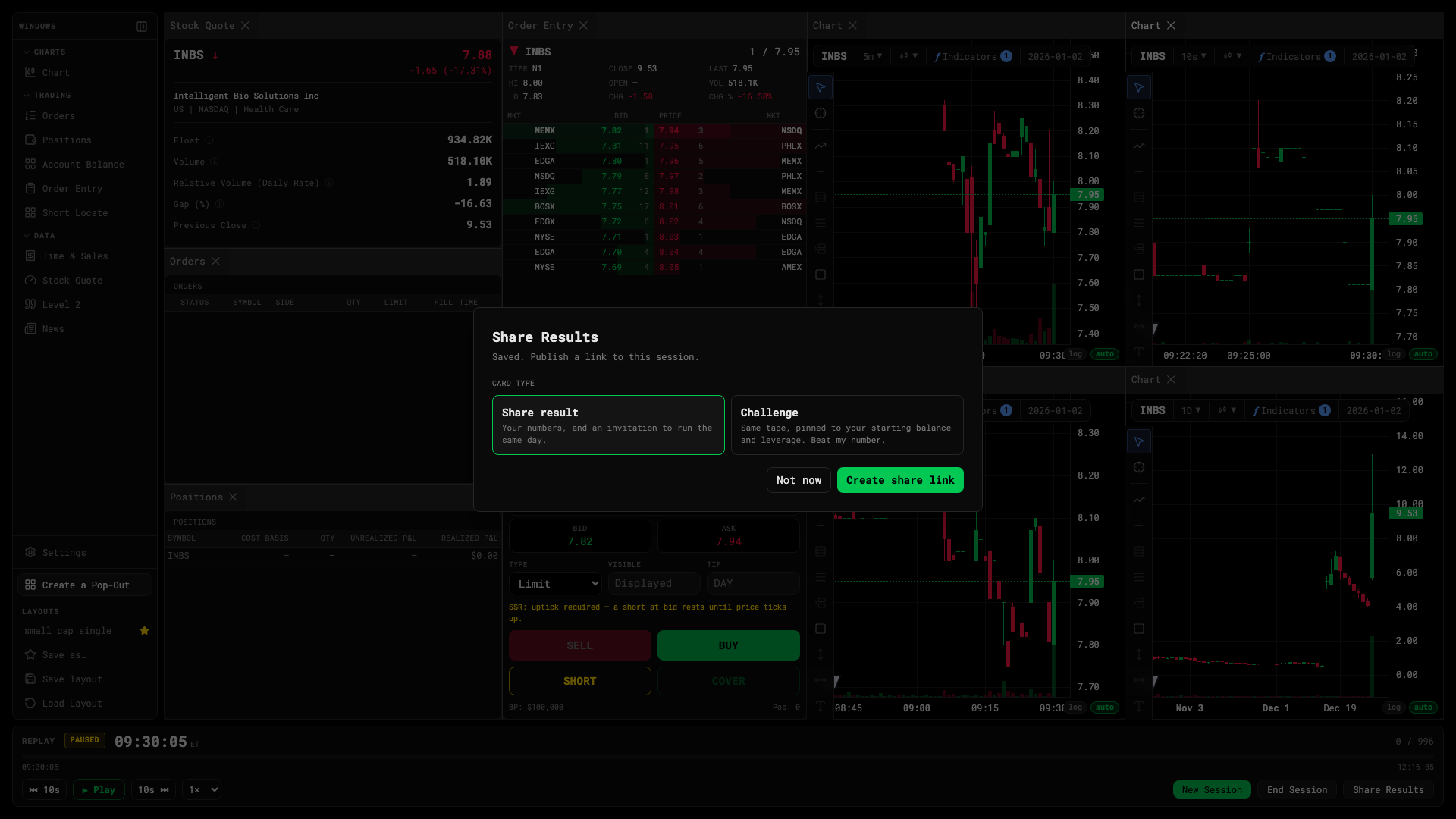
Challenge someone
Tick Challenge when sharing. The link then pins your starting balance and leverage: whoever opens it gets the same tape with the same constraints, and their result is compared to yours on a versus page.
Revoke
Open the share from the journal and choose Revoke. The link stops working immediately.