Updated
Level 2 and Time & Sales
Read the depth ladder and the tape, and use them to load the ticket.
Level 2
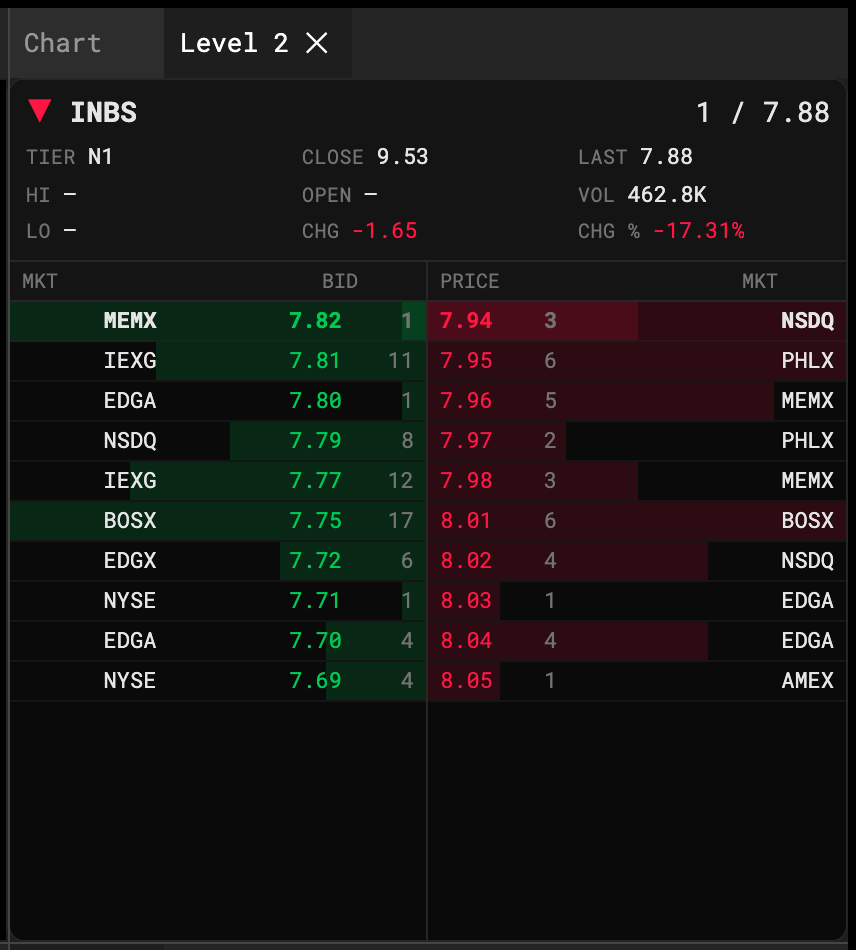
Two columns: bids on the left (green), asks on the right (red). Each row is a market maker or ECN ID, a price and a lot-formatted size. The inside row is highlighted; rows outside the LULD band are flagged.
- Click a row to load that price into the Order Entry ticket. Bid side arms SELL, ask side arms BUY.
- The ladder is the real historical book for that moment — it’s the same data the fill engine uses.
Time & Sales
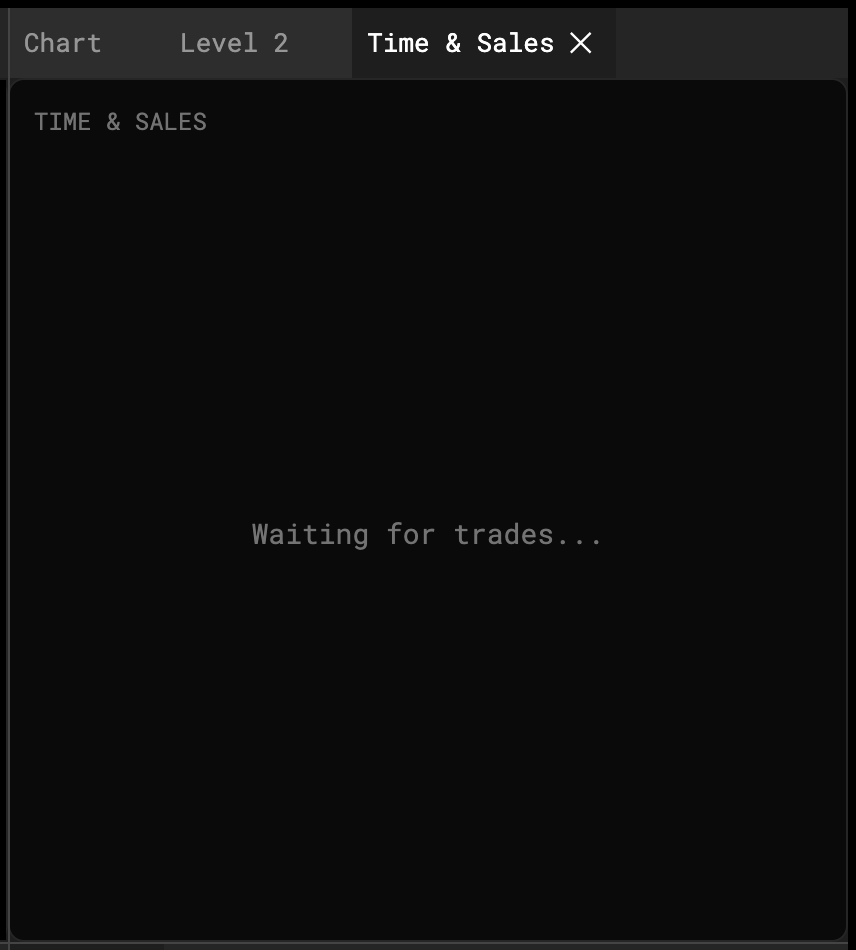
Prints scroll in as they happened: price, size, time, uptick/downtick colour, and a highlight for prints above the large-print threshold. Condition codes are honoured — a late or out-of-sequence print is marked, not hidden.