
Updated
Account preferences
Max loss, starting balance, default latency and chart timezone.
Settings → Account
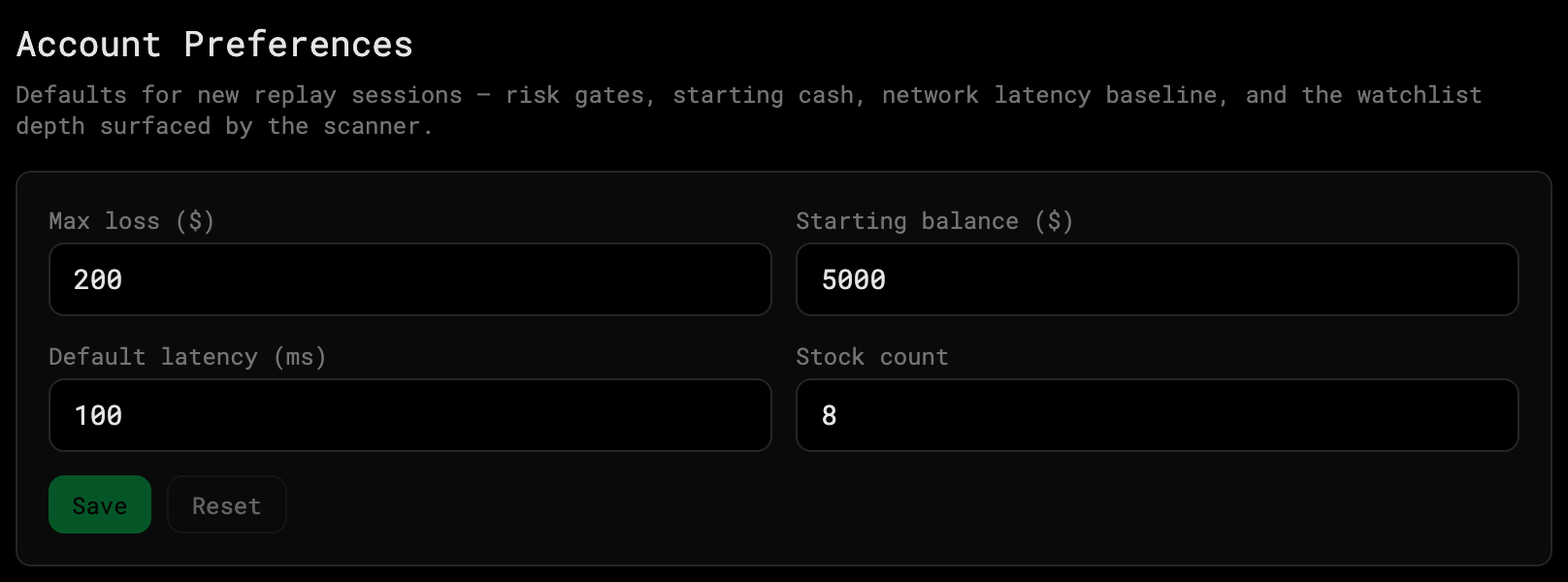
- Max loss ($) — when a session’s realized + unrealized loss crosses it, the desk flattens and stops accepting new orders. The session continues so you can watch what you would have missed.
- Starting balance ($) — the default that pre-fills the setup card.
- Default latency (ms) — used when no latency profile is selected.
- Stock count — how many names a Scanner Day session tracks at once.
Settings → Charts
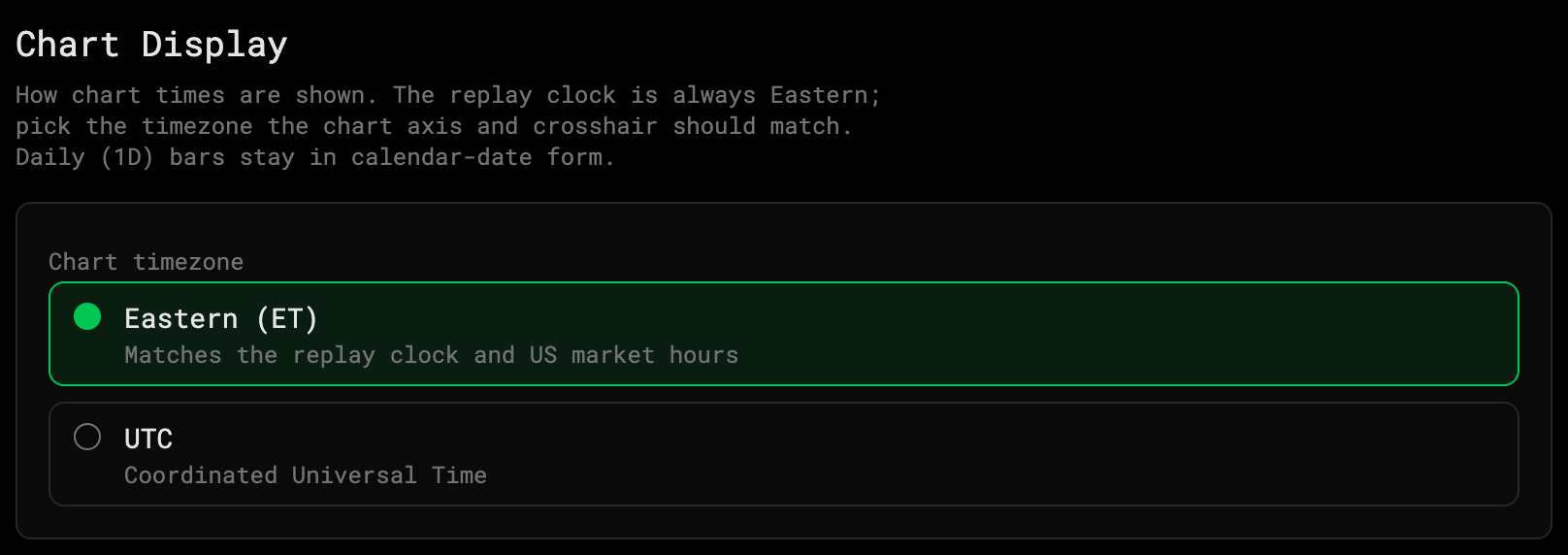
- Chart timezone — how chart times are shown: the time axis, the crosshair and the clock on each chart’s bottom bar. Pick UTC or one of 33 cities. Defaults to New York (ET).
- It’s the same setting as the time zone menu on a chart’s bottom-bar clock — change either and the other follows. See Ranges, scales and time zone.
- The replay bar’s clock at the bottom of the desk always stays in Eastern time, and daily (1D) bars keep their calendar date.
Theme and motion moved to their own page: Appearance.